Building Stateful Workflows & Graph Pipelines with LangGraph
Go beyond black-box agent loops. Learn how LangGraph models workflows as explicit graphs with typed state, conditional routing, multi-turn memory, and checkpointing — with step-by-step runnable code.
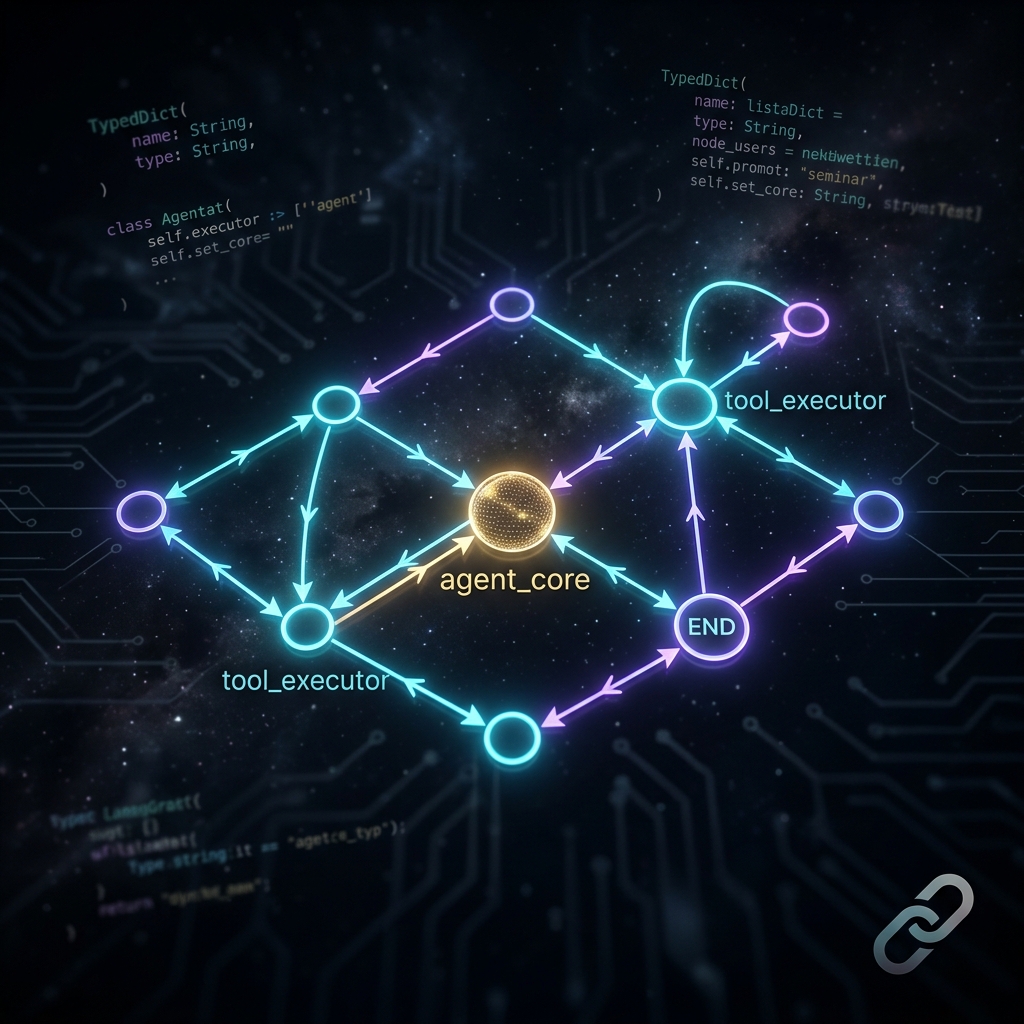
Why LangGraph? The Problem with Standard Agents
In Part 1 we built a ReAct agent using AgentExecutor. It works well for simple tool-calling tasks, but it has a fundamental limitation: you cannot see or control what happens between steps.
The agent decides internally which tools to call and in what order. If you need to enforce business rules — like "always run a compliance check before sending an email" or "route requests differently based on user role" — the black-box loop gets in the way.
LangGraph solves this by making the flow explicit. You define your workflow as a graph: nodes are the processing steps, and edges define exactly how execution moves between them. You can audit every transition, add guardrails at specific points, and handle complex branching logic clearly.
When should you use LangGraph over a simple agent? Use
AgentExecutorfor quick prototypes or tasks with simple, predictable tool usage. Reach for LangGraph when you need: multi-step pipelines with specific ordering constraints, conditional branching based on intermediate results, multi-turn conversations with persistent memory, or multi-agent architectures where several specialised models collaborate.
Installing LangGraph
If you followed Part 1, activate your existing virtual environment and install LangGraph:
source langchain-env/bin/activate

pip install langgraph langchain-google-genai
Make sure your .env file still has your GOOGLE_API_KEY.
The Three Building Blocks
Every LangGraph workflow is built from three concepts:
State — A typed Python dictionary that acts as the shared memory of your graph. Every node reads from it and writes updates back to it. Using TypedDict enforces the shape — if a node tries to write an unexpected key, it fails immediately instead of silently causing bugs downstream.
Nodes — Plain Python functions (or async functions) that receive the current state and return a dictionary of updates. They are isolated — no node directly calls another; the graph's edges control flow.
Edges — The wiring between nodes. A regular edge always goes A → B. A conditional edge runs a routing function to decide where to go next — this is how you implement branching logic.
[ START ] --> ( agent_core node )
                      |
              [ tools_condition ] <-- inspects last message
                      |
          +-----------+-----------+
          |                       |
  tool_calls exist?          no tool_calls
          |                       |
  ( tool_executor )           [ END ]
          |
          +----> loops back to ( agent_core )
Step 1: Build a Basic Graph with Tool Routing
Let's build a chatbot graph that can call a tool when needed.
# create a file: 05_langgraph_basic.py
import os
from typing import Annotated, Sequence, TypedDict
from dotenv import load_dotenv

from langchain_core.messages import BaseMessage, HumanMessage
from langchain_core.tools import tool
from langchain_google_genai import ChatGoogleGenerativeAI
from langgraph.graph import StateGraph, START, END
from langgraph.graph.message import add_messages
from langgraph.prebuilt import ToolNode, tools_condition

load_dotenv()

# -------------------------------------------------------
# 1. Define the State
# -------------------------------------------------------
# add_messages is a "reducer" — it APPENDS new messages to the list
# rather than replacing the whole list. This is what preserves history.
class GraphState(TypedDict):
    messages: Annotated[Sequence[BaseMessage], add_messages]

# -------------------------------------------------------
# 2. Define a Tool
# -------------------------------------------------------
@tool
def get_server_status(server_name: str) -> str:
    """
    Returns the current operational status of a named server.
    Use this when the user asks about server health, uptime, or status.
    """
    servers = {
        "api-prod-01": "HEALTHY — 99.98% uptime. Last incident: 14 days ago.",
        "db-primary":  "WARNING — High CPU at 87%. Recommend investigation.",
        "cache-01":    "HEALTHY — 100% uptime. Memory usage nominal.",
    }
    return servers.get(server_name.lower(), f"Server '{server_name}' not found in registry.")

graph_tools = [get_server_status]

# -------------------------------------------------------
# 3. Set up the LLM with tools bound to it
# -------------------------------------------------------
# bind_tools() attaches the tool schemas to the model so it knows
# what tools exist and when to request them
llm = ChatGoogleGenerativeAI(model="gemini-3.5-flash", temperature=0).bind_tools(graph_tools)

# -------------------------------------------------------
# 4. Define the Node function
# -------------------------------------------------------
def run_agent(state: GraphState):
    response = llm.invoke(state["messages"])
    # Return a dict — LangGraph merges this into the state via the reducer
    return {"messages": [response]}

# -------------------------------------------------------
# 5. Build the graph
# -------------------------------------------------------
builder = StateGraph(GraphState)

builder.add_node("agent", run_agent)
builder.add_node("tools", ToolNode(graph_tools))

builder.add_edge(START, "agent")

# tools_condition checks if the last AIMessage has tool_calls
# If yes -> go to "tools". If no -> go to END.
builder.add_conditional_edges("agent", tools_condition, {True: "tools", False: END})

# After tools run, always go back to agent for the next reasoning step
builder.add_edge("tools", "agent")

graph = builder.compile()

# -------------------------------------------------------
# 6. Run it
# -------------------------------------------------------
result = graph.invoke({"messages": [HumanMessage(content="What's the status of db-primary?")]})
print(result["messages"][-1].content)
Run it:
python 05_langgraph_basic.pyYou should see the agent reason about the request, call get_server_status with db-primary, read the result, and compose a final answer.
Why
temperature=0? When building tool-calling agents, you want the model to make consistent, deterministic decisions about which tool to call and what arguments to pass. A higher temperature introduces randomness that can cause the model to call the wrong tool or pass malformed arguments. Settemperature=0for agents; reserve higher values for creative text generation tasks.
Why not just use an
if/elsein Python instead of conditional edges? You could — but conditional edges give you somethingif/elsecannot: observability and testability. Every edge transition is logged by LangGraph, making it trivial to trace exactly why the agent went left instead of right. You can also visualise the graph, mock edge routing in unit tests, and add hooks that fire on specific transitions.
Step 2: Adding Memory — Multi-Turn Conversations
The graph above is stateless — each graph.invoke() call starts fresh. To build a real chatbot that remembers what the user said earlier, you need a checkpointer.
A checkpointer saves the full graph state after every node execution. When you call the graph again with the same thread_id, it loads the saved state and continues from where it left off.
# create a file: 06_langgraph_memory.py
import os
from typing import Annotated, Sequence, TypedDict
from dotenv import load_dotenv

from langchain_core.messages import BaseMessage, HumanMessage
from langchain_core.tools import tool
from langchain_google_genai import ChatGoogleGenerativeAI
from langgraph.graph import StateGraph, START, END
from langgraph.graph.message import add_messages
from langgraph.prebuilt import ToolNode, tools_condition
from langgraph.checkpoint.memory import MemorySaver

load_dotenv()

class GraphState(TypedDict):
    messages: Annotated[Sequence[BaseMessage], add_messages]

@tool
def get_server_status(server_name: str) -> str:
    """Returns the current operational status of a named server."""
    servers = {
        "api-prod-01": "HEALTHY — 99.98% uptime.",
        "db-primary":  "WARNING — High CPU at 87%.",
    }
    return servers.get(server_name.lower(), f"Server '{server_name}' not found.")

graph_tools = [get_server_status]
llm = ChatGoogleGenerativeAI(model="gemini-3.5-flash", temperature=0).bind_tools(graph_tools)

def run_agent(state: GraphState):
    return {"messages": [llm.invoke(state["messages"])]}

builder = StateGraph(GraphState)
builder.add_node("agent", run_agent)
builder.add_node("tools", ToolNode(graph_tools))
builder.add_edge(START, "agent")
builder.add_conditional_edges("agent", tools_condition, {True: "tools", False: END})
builder.add_edge("tools", "agent")

# MemorySaver stores state in memory (process lifetime only)
# For production, swap this with SqliteSaver or RedisSaver
checkpointer = MemorySaver()
graph = builder.compile(checkpointer=checkpointer)

# thread_id isolates conversations — different users get different thread IDs
config = {"configurable": {"thread_id": "ops-session-001"}}

# --- Turn 1 ---
print("=== Turn 1 ===")
r1 = graph.invoke({"messages": [HumanMessage("Check the status of db-primary")]}, config)
print(r1["messages"][-1].content)

# --- Turn 2 (no tool call needed — model uses its memory of Turn 1) ---
print("\n=== Turn 2 ===")
r2 = graph.invoke({"messages": [HumanMessage("Should I be worried about what you found?")]}, config)
print(r2["messages"][-1].content)
Run it:
python 06_langgraph_memory.pyIn Turn 2, the model correctly connects "what you found" to the db-primary warning from Turn 1 — because the full message history is persisted and replayed.
MemorySavervs a persistent database checkpointer — which should I use?MemorySaverstores state in process memory. It is perfect for development and testing — fast, zero setup. But when your process restarts, all conversation history is lost. In production, uselanggraph.checkpoint.sqlite.SqliteSaverfor small deployments, orlanggraph.checkpoint.postgres.PostgresSaverfor scale. The graph code stays identical — you only swap the checkpointer.
Tip —
thread_idis your session key: Think ofthread_idas a user session ID. Two users sending the same message get completely independent conversations because they have different thread IDs. The same user picking up a conversation later uses the same thread ID to reload their history.
What You Built
- A typed, explicit graph where you can see and control every transition
- Conditional routing with
tools_condition— no brittle if/else chains - Multi-turn memory via
MemorySaver— the graph remembers the full conversation history perthread_id
In Part 3, we tackle one of the most important problems in production AI: how do you give your agent access to your company's knowledge base without re-training the model? The answer is RAG — and there are two fundamentally different ways to build it.